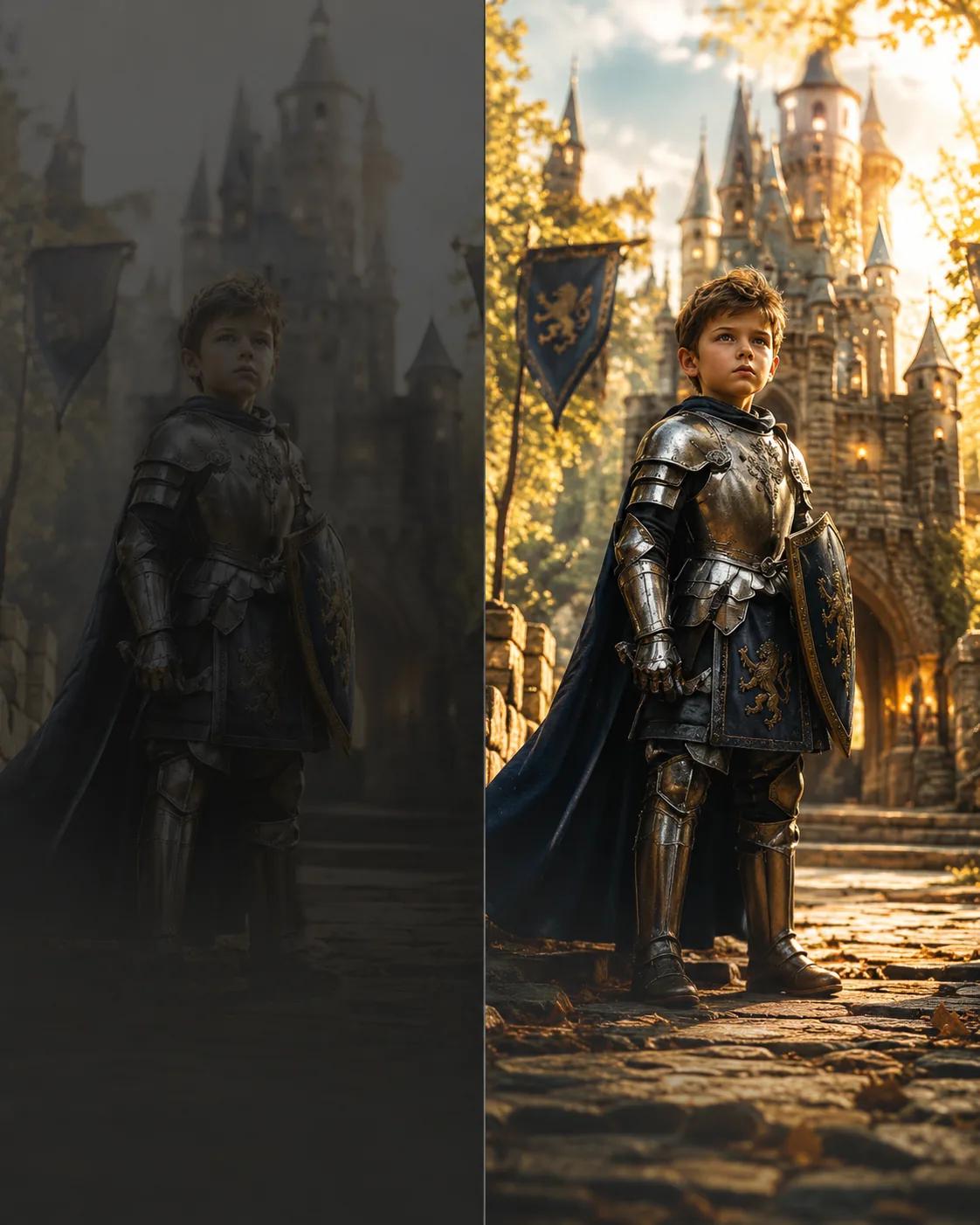
Studio quality from any photo in 30 seconds
Instead of sliders — checkboxes for what to fix: light, colour, sharpness, background, retouching. Your first three photos are free.
- 1📷
Upload a photo
Any shot from your phone or archive will do: dark, grainy, with clutter in the background.
- 2☑️
Tick what to improve
Any number of options from five groups: light, colour, sharpness, background and retouching. Conflicting pairs (e.g. black-and-white and colourize) are flagged automatically.
- 3🔒
AI processes without touching the face
The photo is edited as an image, not generated from scratch: facial features, expression and likeness are fully preserved.
- 4🖼️
Compare before and after
In 30–60 seconds you get a before/after slider and a download button. Photographers can batch-process: the same operations apply to dozens of frames.
What can be fixed
Light and exposure
Even out an underexposed or blown-out shot, add soft studio light, remove shadows from the face, create a golden-hour look.
Colour
Saturation, warm or cool colour grading, black-and-white conversion or colourizing an old b&w print.
Sharpness and quality
Sharpen, remove low-light noise, upscale resolution 2× or 4×.
Background
Blur it with a bokeh effect, replace it with neutral white, grey or dark, remove stray objects.
Retouching
Remove red eyes and skin shine, fix minor blemishes and even out skin tone — without altering facial features.
Pricing
First 3 photos — free
Low-resolution result with a watermark so you can judge the effect before paying.
Then — 10 tokens per photo
Full resolution, no watermark, any number of selected options.
Try it on your own photo
Three enhancements are free after sign-up. The child's face is never replaced and the original proportions are kept.
Start free